
4K live streaming in Dubai: how to plan it, from camera to backup link
What a 4K live stream needs between the camera and the viewer: bitrates, upload bandwidth, codecs, a backup route and a checklist for the day.
To live stream in 4K from an event in Dubai, you need a 4K camera chain, an encoder that can compress 3840 × 2160 in real time, a stream bitrate of roughly 30 to 50 Mbps, an upload connection about 1.5 times that, and a second route in case the first one drops. This guide covers the chain from camera to viewer, the bandwidth to plan for and a checklist for the day.
What 4K live streaming means
4K live streaming is real-time video at 3840 × 2160 pixels, often written 2160p. That is four times the pixels of 1080p, about 8.3 million per frame against 2.1 million, which is why it asks more of the cameras, the encoder and the connection.
The 4K live streaming chain
Each stage can limit the quality or the reliability of the stream, so each one needs checking.
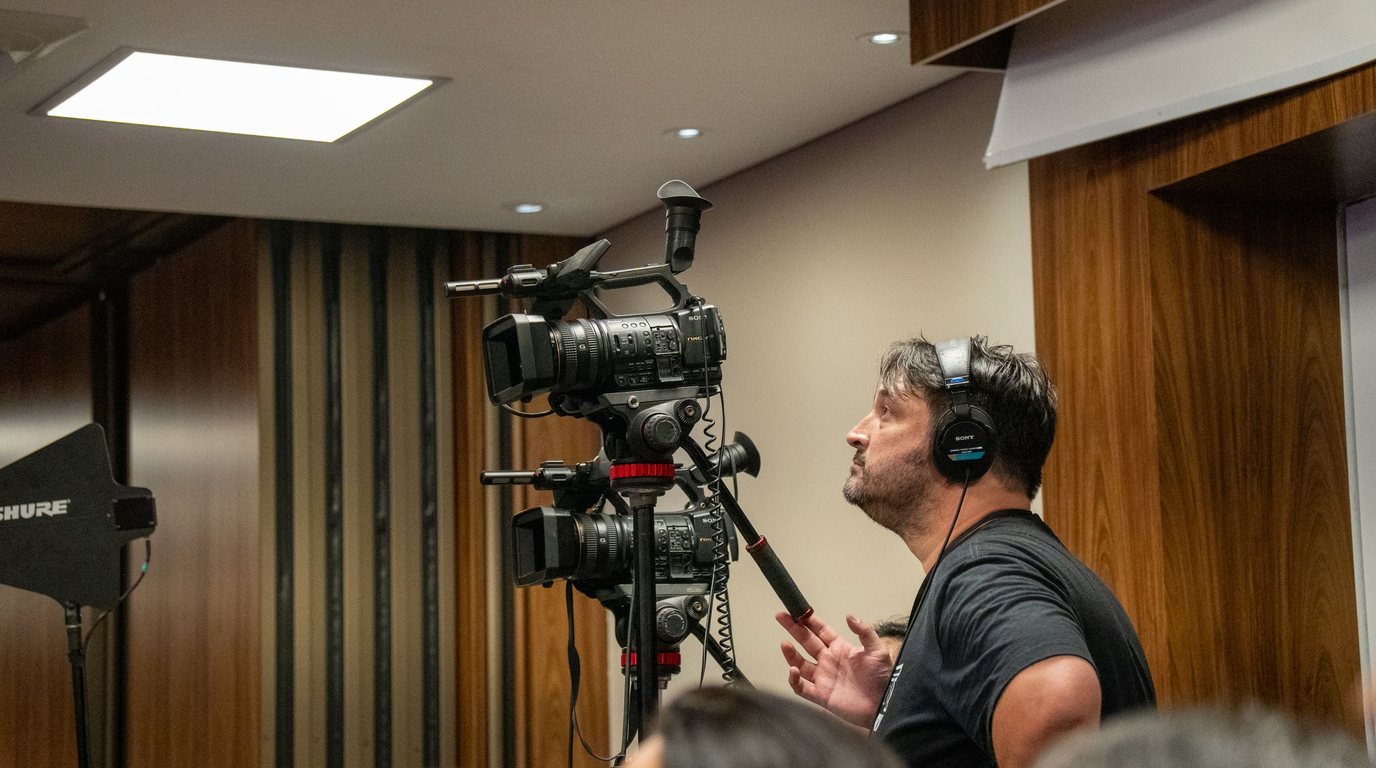
- 01Cameras and lensesCapture the event in 4KWhat to checkLenses and light suited to the room, and operators or fixed positions
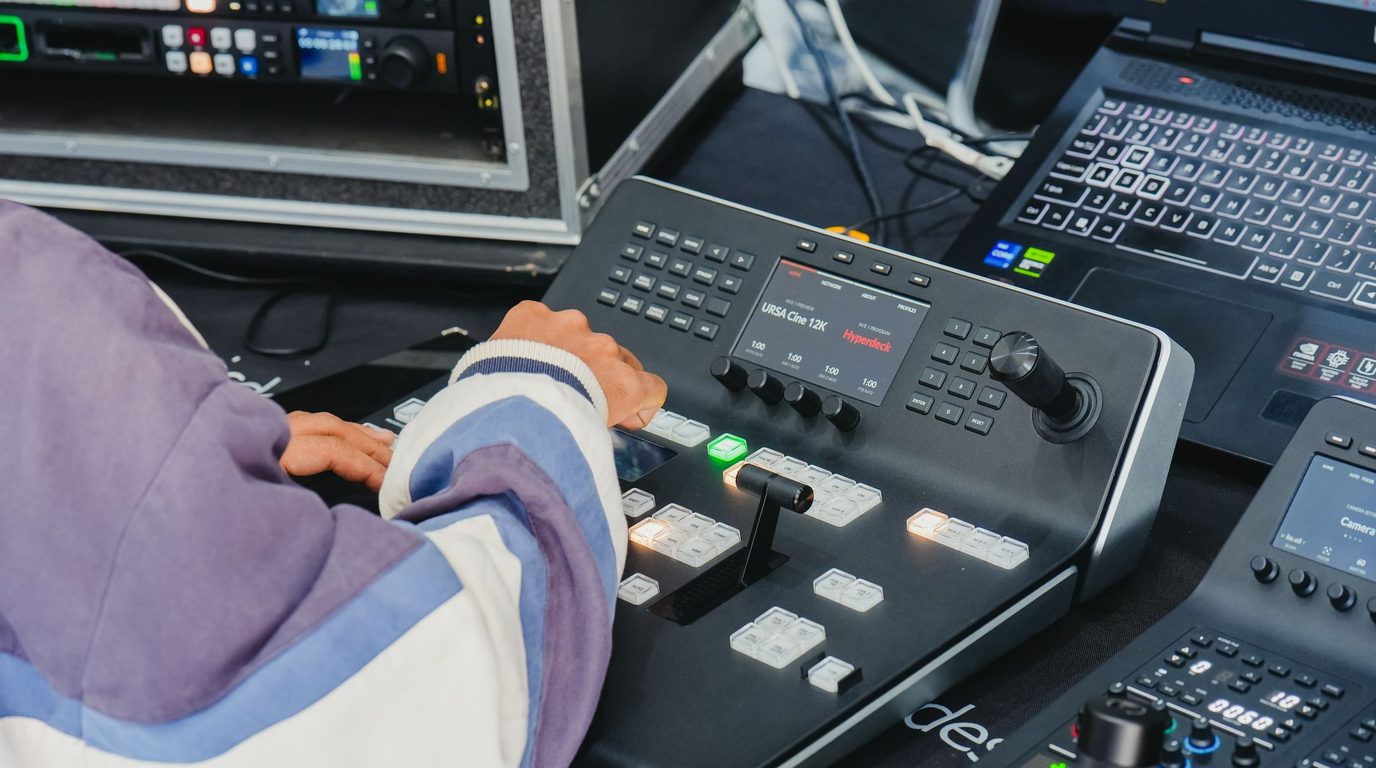
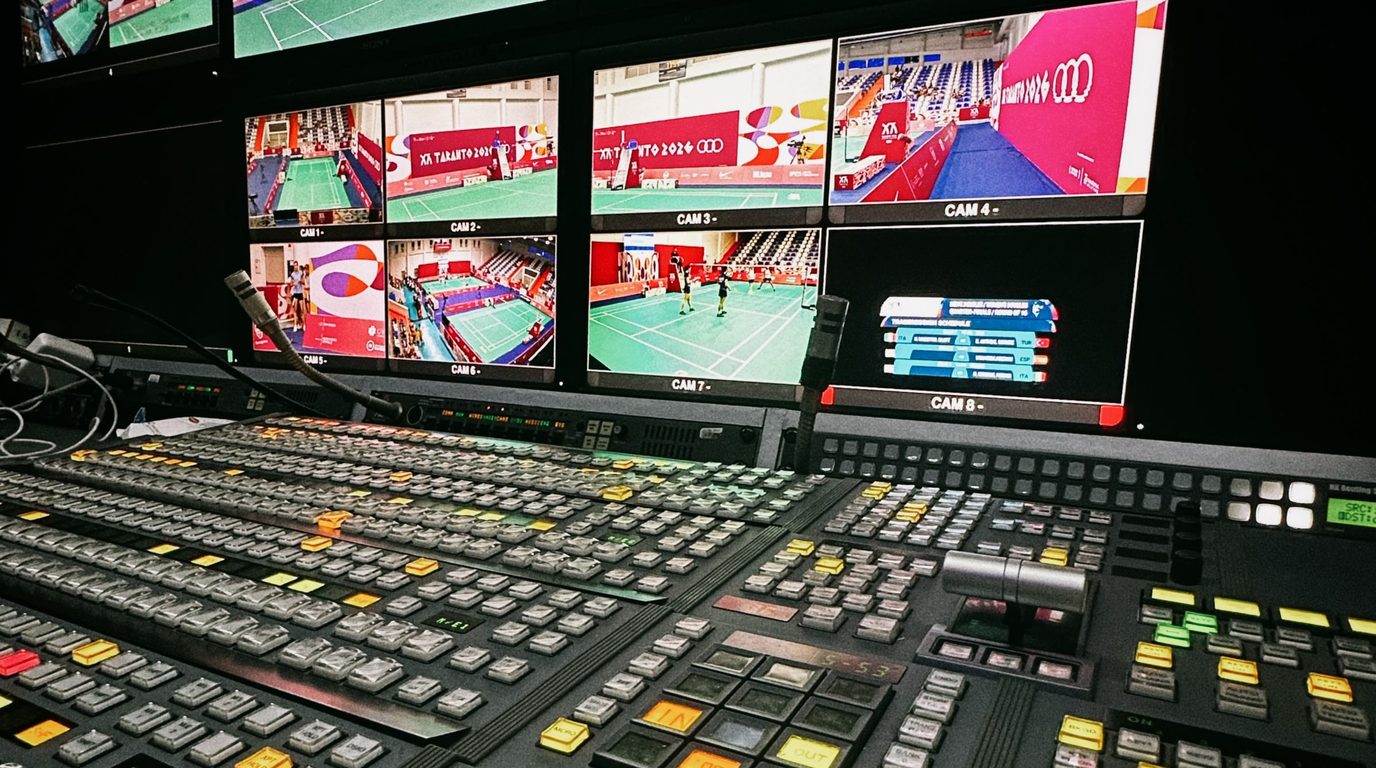
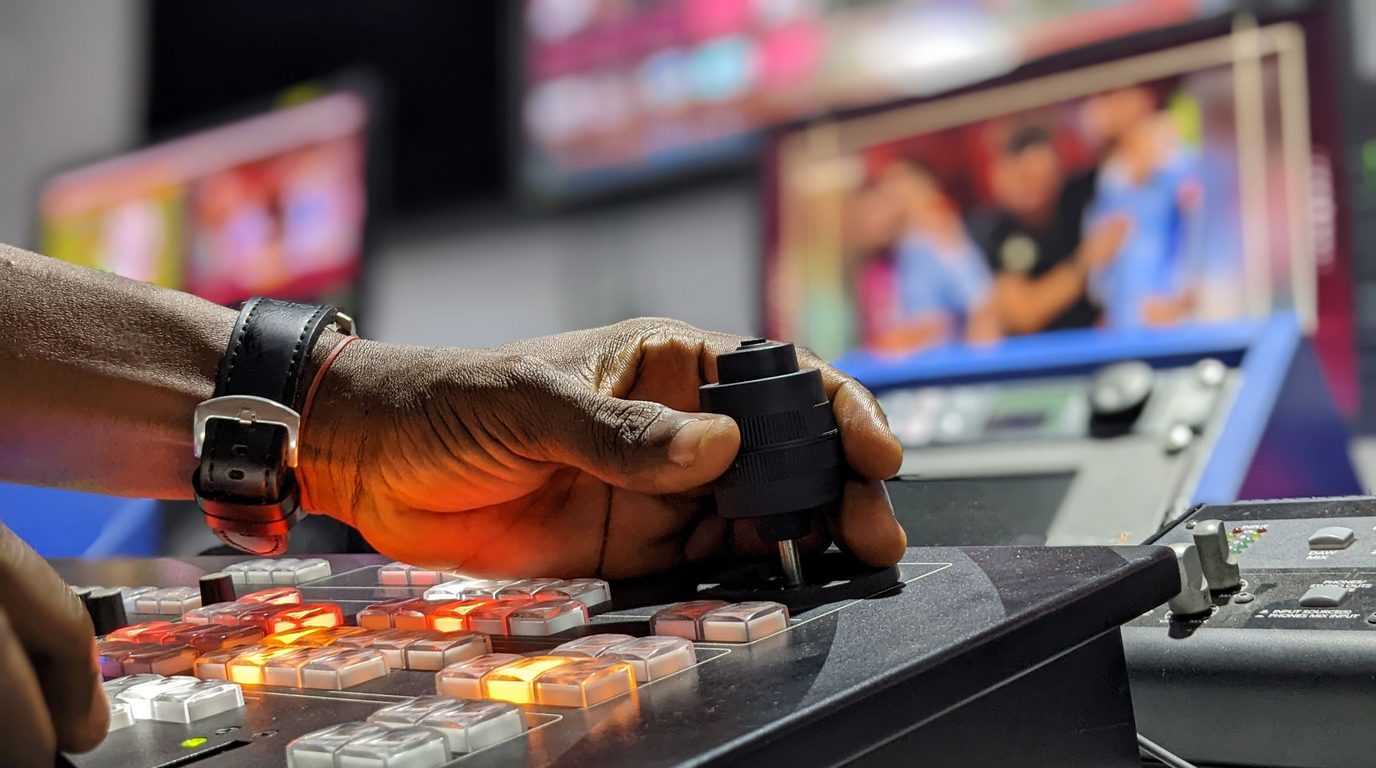
- 02Vision mixerSwitches live between cameras, slides and guestsWhat to checkEnough 4K inputs and a monitor for each source
- 03AudioMixes the room, the presenters and remote guestsWhat to checkLevels, echo from remote guests and a feed from the venue sound system
- 04EncoderCompresses the picture in real time for the internetWhat to checkPower for 4K, the codec (H.264 or H.265) and the bitrate
- 05NetworkCarries the stream from the venue to the platformWhat to checkUpload speed, a wired line and a backup route
- 06PlatformReceives the stream and delivers it to viewersWhat to checkWhether it accepts 4K, its bitrate guidance and its latency

How much bandwidth does a 4K live stream need?
YouTube publishes recommended bitrates for live encoders. These are the figures on its live encoder help page in October 2026.
What does this stream need from the venue’s line?
| Resolution and frame rate | H.264, recommended | H.265 or AV1, recommended |
|---|---|---|
| 4K at 60 fps | 50 Mbps | 35 Mbps |
| 4K at 30 fps | 42 Mbps | 30 Mbps |
| 1080p at 60 fps | 17 Mbps | 12 Mbps |
| 1080p at 30 fps | 14 Mbps | 10 Mbps |
These are the bitrates the encoder sends. The venue's upload connection has to carry that all the time, with room to spare. A common rule of thumb is upload capacity of at least 1.5 times the stream bitrate. For a 4K stream at 30 frames per second, that is about 45 Mbps of reliable upload for the 30 Mbps H.265 recommendation, and about 63 Mbps for the 42 Mbps H.264 recommendation.
YouTube also lists minimums, for example 8 Mbps for H.265 or AV1 at 4K and 30 frames per second. A lower bitrate means a softer picture when there is a lot of movement, so treat the minimum as a floor and the recommendation as the target.
H.264 or H.265 for a live stream?
H.265 (also called HEVC) and AV1 reach the same picture quality at a lower bitrate than H.264, which is why YouTube's table asks for less. The trade-off is compatibility. The encoder, the platform and the viewer's device all have to support the codec, and encoding 4K in H.265 in real time needs a capable encoder. Check what the destination accepts before the day.
Planning a live event in the UAE?
Send us the event, the venue, the date and where the stream should go. We reply within one working day with a scoped quote.
Why venue internet needs its own plan
Venue Wi-Fi is shared with everyone in the building, so its upload speed can change through the day. Plan the connection in three parts.
- 01A dedicated wired line.Ask the venue for a line reserved for the stream rather than sharing the public network
- 02A test at the right time.Measure the upload speed at the venue during the hours of the event, when attendees are online
- 03A second route.Bonded cellular combines several mobile connections and fails over if one drops, and an adaptive bitrate encoder lowers the bitrate when capacity falls
Record a full-quality copy on site with a separate recorder. If the live feed drops, the recording is intact and the event can still be edited and published.
Latency at 4K
YouTube does not offer its low-latency option for 4K, so 4K streams run at normal latency, which adds a delay between the room and the viewer. If the event takes live questions from the online audience, a 1080p stream with low latency may suit it better. Some events stream in 1080p and record in 4K on site, which keeps the stream responsive and the footage sharp.
Streaming from a Dubai venue: permits and access
Dubai requires a Dubai Film and TV Commission permit for essentially any professional production, and venues and organisers set their own filming rules. Ask the venue's technical team early for load-in times, power, camera positions and the internet options, because these decide what can be rigged and when.
A 4K live streaming checklist
Where to go next
For what we offer, see 4K live streaming in Dubai. If you need several cameras and a control room on site, read about outside broadcast and our 4K outside broadcast service. To decide on resolution, read 4K vs 1080p live streaming. If you are choosing a supplier, ten questions to ask before you hire covers access, deliverables and price.
Streaming or broadcasting an event in the UAE?
Send us the event, the venue, the date and where the stream should go. We reply within one working day with a scoped quote.

4K live streaming questions: bandwidth, codecs and backup.
How much bandwidth do I need to live stream in 4K?
YouTube recommends 30 to 50 Mbps for a 4K live stream, depending on the codec and the frame rate. Plan for about 1.5 times that as reliable upload capacity, which is roughly 45 to 75 Mbps, and test it at the venue during the hours of the event.
Does YouTube support 4K live streaming?
Yes. YouTube lists recommended bitrates for 4K live streams at 30 and 60 frames per second. It does not offer its low-latency option at 4K, so 4K streams run at normal latency.
Is H.265 better than H.264 for live streaming?
H.265 reaches the same picture quality at a lower bitrate, so it needs less bandwidth. The encoder, the platform and the viewer device must all support it, so check the destination before the day.
What happens if the internet drops during a live stream?
A second route, such as bonded cellular or another wired line, can take over, and a separate on-site recording keeps the full event. Plan both before the day.